
Blog · Attendance
Biometric, face or CCTV: how to choose attendance software for a shift-based team
3 October 2026 · 4 min read · By the DeskViu team
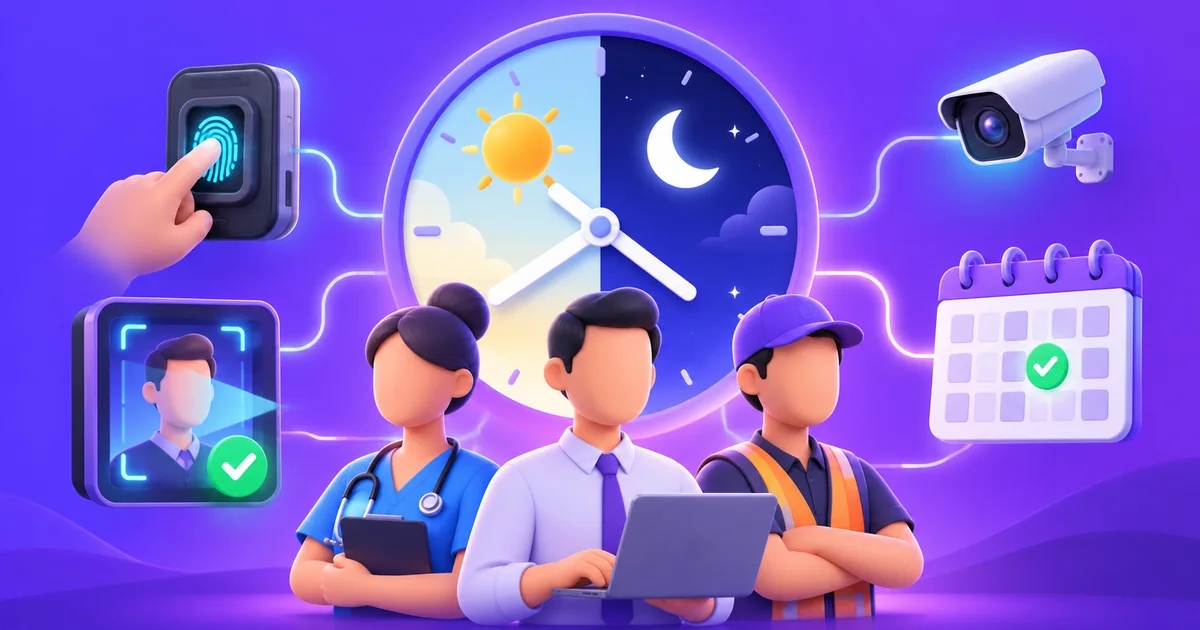
If your team works in shifts, such as nurses in a hospital, support agents on rotating schedules, or staff across several branches, attendance is not a simple "present or absent" question. It decides who gets paid for which hours, who is covered at 3 a.m., and whether a late arrival is really late or simply a different shift.
Most businesses start with a register or a spreadsheet and outgrow it. When they move to software, the first decision is how people clock in. This guide compares the three common methods and the questions to ask before you buy.
The three ways to capture attendance
1. Biometric thumb (fingerprint) devices
A device at the entrance records a fingerprint. It is familiar, fast, and works without a phone at the point of use. The trade-offs: a shared device can queue at shift change, dirty or worn fingers sometimes fail to read, and a device only records people who walk up to it.
2. Facial recognition
A camera recognises the employee's face. It is contactless, which matters in hospitals and clean areas, and harder to share than a card. You need decent lighting and a camera placed where people pass naturally. It also raises privacy questions that you should answer in your own policy before rollout.
3. CCTV and AI cameras
If you already have cameras at the entrance, some software can use that feed to recognise faces and log attendance without a separate device. It saves hardware, but quality depends on camera angle, resolution and lighting.
Many teams end up with a mix: thumb devices at one site, cameras at another. So the software should accept more than one source and bring everything into one attendance record.
Questions to ask before you choose
- Which capture methods does it support, and can I mix them? Ask which devices and camera types it works with, not just "biometric".
- How does it handle shifts? Rotating shifts, night shifts that cross midnight and split shifts are where simple tools break.
- Does attendance feed payroll? If someone re-enters attendance into payroll by hand, errors follow. Look for attendance that flows straight into leave and salary calculation.
- What about field staff? People who work off-site cannot use a device at the door. Check whether there is another way to record their day, such as a mobile clock-in.
- Can I see it live? A manager should see who is in, who is late and who is on leave without exporting anything.
- How is it priced? Per-employee monthly pricing is easier to predict than device-based or feature-tiered pricing. Ask whether features are locked behind higher plans.
A short checklist for the first month
- Run the new system alongside your old register for two weeks and compare.
- Test the hardest case first: a night shift that ends the next morning.
- Agree who can correct a missed punch, and keep a record of every correction.
- Tell staff in writing how biometric or face data is stored and used.
Where DeskViu fits
DeskViu Attendance works with biometric thumb devices, CCTV cameras and facial AI cameras, and feeds shifts, leave and payroll in one system. Field teams can clock in from the DeskViu Android app with a selfie and a GPS location. Every feature is in every plan, with per-employee monthly pricing and a 14-day free trial that needs no credit card.
Read more about the biometric and facial attendance options, or request a demo to try it with your own shifts.
See it with your own team
14-day free trial, no credit card. Every feature in every plan.
Request a demo